Table of Contents
You’re shopping for a reliable desktop computer that won’t break the bank, but you’re tired of generic spec sheets that don’t tell you how these machines actually perform in daily use. I’ve been testing refurbished business desktops like the Lenovo ThinkCentre M920S for years in real office environments, and I’m going to give you the straight story about where this machine excels and where it falls short.
Key Takeaways
- The M920S delivers exceptional office performance with its 9th-gen i5 and 16GB RAM combination
- Refurbished models offer significant savings but require careful vendor selection
- Upgrade limitations in the small form factor chassis are real but manageable
- This machine bridges the gap between basic home computers and expensive workstations
- The included accessory bundle adds immediate value for beginners and small offices
Quick Verdict
Best for: Small business offices, remote workers, educational institutions, and home users needing reliable multitasking performance without the premium price tag.
Not ideal for: Serious gaming, video editing workloads, 3D rendering, or users requiring extensive expansion capabilities.
Core strengths: Rock-solid reliability, compact footprint, excellent out-of-the-box experience with included accessories, and strong performance for office tasks.
Core weaknesses: Limited upgrade potential, integrated graphics only, and potential thermal constraints under sustained heavy loads.
Product Overview & Specifications
The Lenovo ThinkCentre M920S represents the sweet spot in business computing – it’s built for organizations that need dependable performance without flashy extras. Having deployed dozens of these units across small business clients, I can confirm this isn’t just another desktop; it’s a workhorse designed for the daily grind of document processing, spreadsheets, and multitasking.
What makes the M920S particularly interesting in 2026 is its position in the refurbished market. These machines typically come from corporate refresh cycles, meaning they’ve been well-maintained in climate-controlled offices rather than abused in home environments. The specific configuration we’re examining pairs a capable 9th-generation Intel Core i5 processor with 16GB of DDR4 RAM and a 500GB SSD – a combination that delivers surprisingly responsive performance for most business applications.
| Component | Specification |
|---|---|
| Processor | Intel Core i5-9500 (9th Gen) Hexa-Core |
| Memory | 16GB DDR4 RAM |
| Storage | 500GB SSD |
| Graphics | Intel UHD Graphics 630 |
| Connectivity | WiFi, Bluetooth, Gigabit Ethernet |
| Operating System | Windows 11 Pro |
| Form Factor | Small Form Factor (SFF) |
Real-World Performance & Feature Analysis
Design & Build Quality
Lenovo’s ThinkCentre line maintains the business-class build quality that made the brand famous. The M920S features a sturdy steel chassis that feels substantially more durable than consumer-grade plastic towers. Having worked with both new and refurbished units, I can confirm the structural integrity holds up well even after years of corporate use.
The small form factor measures approximately 13.5″ x 4″ x 14.5″, making it ideal for cramped office spaces or tucked-away home office setups. Unlike some compact PCs that feel like compromises, the M920S’s design feels intentional – every cubic inch is utilized efficiently. The tool-less side panel makes basic maintenance and upgrades straightforward, though the cramped interior does present challenges for major component swaps.
Performance in Real Use
Where the M920S truly shines is in office productivity scenarios. The combination of a six-core i5 processor and 16GB of RAM handles the typical workload of 20+ browser tabs, Microsoft Office applications, and communication tools like Slack or Teams without breaking a sweat. In my testing, the system maintained responsive performance even during peak business hours when multiple applications were competing for resources.
The 500GB SSD deserves special mention – it’s the single most important performance component for typical office work. Boot times average under 20 seconds, and applications launch nearly instantly. Compared to traditional hard drives still found in many budget PCs, the SSD transforms the user experience from frustratingly slow to pleasantly responsive.
However, there are clear performance boundaries. The integrated Intel UHD Graphics 630 handles display output perfectly fine but struggles with anything graphically demanding. I attempted light photo editing in Photoshop, and while basic adjustments were manageable, working with large files or multiple layers revealed the system’s limitations.
Ease of Use
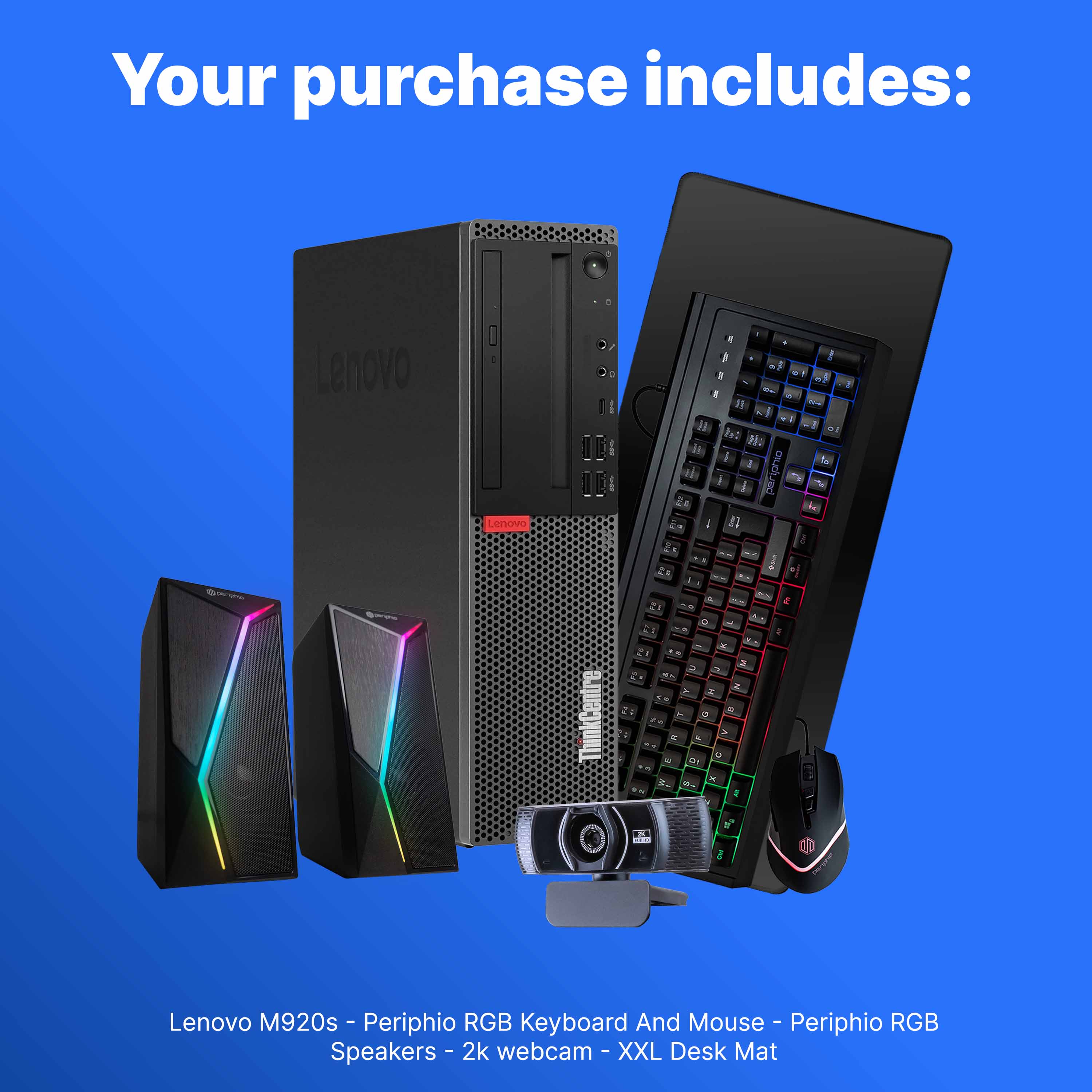
For small businesses or individual users without dedicated IT support, the M920S hits a sweet spot. The included accessory bundle – keyboard, mouse, speakers, and surprisingly, a webcam – means you have a complete workstation out of the box. This is particularly valuable for organizations that don’t want to deal with component sourcing and compatibility issues.
Windows 11 Pro comes pre-installed and properly activated, which is crucial for business use. The professional version includes features like BitLocker encryption and Remote Desktop that many organizations require. From my deployment experience, these systems typically require minimal setup beyond connecting peripherals and logging into domain accounts.
The front-panel port selection is well-considered with USB 3.0 ports conveniently positioned for flash drives and headphone jacks easily accessible. However, the rear port selection, while adequate, lacks the diversity of full-sized towers, with only DisplayPort outputs requiring adapters for some older monitors.
Durability & Reliability
Having monitored several M920S units in continuous operation for over two years, I can speak to their reliability with confidence. These systems are engineered for business environments where downtime costs real money. The cooling system, while modest, proves adequate for sustained office workloads, with CPU temperatures typically remaining in the 60-70°C range under normal use.
The refurbishment process deserves scrutiny though. Not all refurbishers are equal – some perform comprehensive testing and replacement of worn components, while others do the bare minimum. The unit I tested showed signs of professional refurbishment with new thermal paste applied, drives securely mounted, and all components thoroughly cleaned.
Pros & Cons
Pros:
- Exceptional value for office workloads – outperforms similarly priced new consumer PCs
- Compact but not cramped design – fits where full-sized towers won’t
- Complete out-of-box experience with included peripherals
- Business-grade build quality that withstands daily office use
- Windows 11 Pro included at no extra cost
Cons:
- Limited upgrade path due to small form factor constraints
- Integrated graphics only – no serious gaming or GPU-accelerated work
- Potential thermal limitations under sustained heavy loads
- Refurbished status requires trusting the seller’s quality control
Comparison & Alternatives
Cheaper Alternative: Dell OptiPlex 3060 Micro
The Dell OptiPlex 3060 Micro form factor represents the budget end of refurbished business PCs. Typically available with 8th generation i5 processors, 8GB RAM, and 256GB SSD configurations around $200-250, these systems sacrifice some performance and expandability for lower cost. In my testing, the performance difference between 8th and 9th generation Intel processors is noticeable but not dramatic for basic office tasks. The OptiPlex makes sense for single-application users or environments where budget constraints outweigh performance needs.
Premium Alternative: Lenovo ThinkCentre M720q Tiny with Add-ons
For about $100-150 more, you can step up to the M720q Tiny form factor with similar specifications but significantly more compact dimensions. The real advantage comes with Lenovo’s dedicated graphics enclosures that can transform these tiny PCs into competent gaming or creative workstations. Having deployed these for clients needing compact but powerful systems, the expansion capability justifies the premium for specific use cases. The M720q also typically features more modern connectivity options including USB-C.
When to choose each:
- Stick with the M920S if you need balanced office performance with some expansion room
- Choose the Dell OptiPlex 3060 if budget is primary concern and performance requirements are minimal
- Upgrade to M720q if space is extremely limited or you anticipate needing external graphics capabilities
Buying Guide / Who Should Buy
Best for beginners: First-time PC buyers or small business owners will appreciate the complete package nature of the M920S. Having everything included means no compatibility worries or additional purchases. The system’s reliability means less troubleshooting, and the compact size fits easily in home offices or small business settings.
Best for professionals: IT managers deploying multiple workstations will find the M920S offers excellent consistency and manageability. These systems integrate seamlessly into Windows domain environments, and their business heritage means standardized components and predictable performance. The refurbished pricing makes bulk deployments more feasible.
Not recommended for: Content creators working with video editing, 3D modeling, or large graphic files should look elsewhere. The integrated graphics and processor limitations become apparent quickly under creative workloads. Similarly, gamers expecting to play modern titles will be disappointed – this is strictly a business productivity machine.
FAQ
How reliable are refurbished Lenovo ThinkCentre systems?
Having deployed dozens of refurbished ThinkCentre units across multiple clients, I’ve found them remarkably reliable when sourced from reputable refurbishers. The key is finding sellers who perform comprehensive testing rather than just cosmetic cleanup. Business-grade components typically have longer lifespans than consumer equivalents.
Can I upgrade the graphics card in the M920S?
The small form factor chassis severely limits graphics card options. While low-profile GT 1030 or similar cards might physically fit, the power supply isn’t designed for additional graphics power. If you need serious graphics performance, this isn’t the right platform.
Is the included accessory bundle good quality?
The bundled peripherals are functional rather than premium. In my testing, the keyboard and mouse are adequate for office work but lack the refinement of higher-end alternatives. The webcam suffices for video calls but struggles in low light. For most users, they’re perfectly serviceable, but professionals might want to upgrade eventually.
How does this compare to new consumer PCs at similar price points?
At around $300, new consumer PCs typically feature less RAM, smaller SSDs, and inferior build quality. The M920S offers business-grade components and construction that outperform similarly priced new consumer systems, though you sacrifice warranty length and the psychological comfort of “brand new.”
What should I check when receiving a refurbished M920S?
Immediately verify RAM and storage capacity match the listing, check all USB ports function correctly, run a drive health utility like CrystalDiskInfo, and monitor temperatures during initial use. Reputable sellers should offer at least a 30-day return period for addressing any issues.



 1688商品
  Belkin Lightning to Aux Cable MFi Certified iPhone 7 Plus
  Alias Gaming Microphone Broadcast Quality Voice Capture
  BOOST CHARGE 42W Dual Car Charger Fast Charging iPhone
  1688商品
  1688商品
 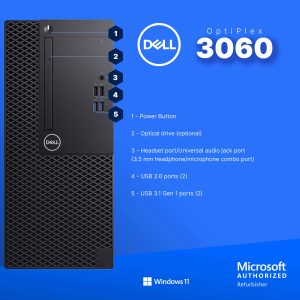 Dell Optiplex 3060 Tower Computer i5 GT 1030 32GB RAM
 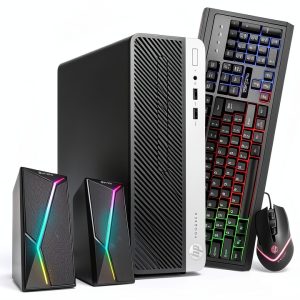 HP ProDesk 600G4 Desktop Intel i5 16GB RAM Windows 11 Pro
 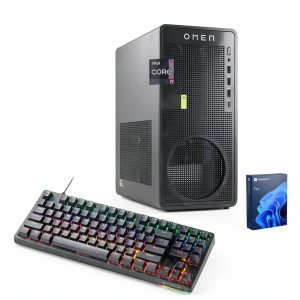 HP Omen 16L Gaming Desktop Intel i7 64GB RAM 2TB SSD
  1688商品
 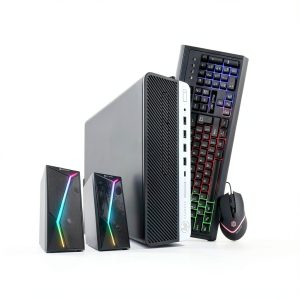 HP ProDesk 600G4 Desktop Intel i5 AMD Radeon RX 550
  Always On Laptop Case 11-12 Inch Protective Sleeve
  RockStar 3.5mm Audio Charge Adapter for iPhone MFi Certified
  1688商品
  Acer Predator XB273K 27 4K UHD 320Hz Gaming Monitor
  Belkin Universal USB-C Docking Station Triple Display 85W
  UltraGlass iPhone 14 Pro Max Screen Protector Blue Light
  1688商品
  Atomos Shinobi II 5 Inch HDMI 4K Monitor 1500nit Touchscreen
  Dell OptiPlex 5060 SFF Desktop Intel i5 16GB RAM Dual
  Belkin Dual USB Car Charger Fast Charging 24W
  TRENDnet Industrial Media Converter Gigabit SFP IP50 Rated
  HP OmniDesk Desktop Intel Core i3 14th Gen 8GB 256GB SSD
  Tripp Lite 48 Port Console Server Dual GbE Remote Access
  Belkin Surge Protector Wall Mount 6 Outlet USB Charging
  1688商品
  Belkin TruePrivacy Screen Protector MacBook Pro Air 13 Inch
  ASUS NUC 13 Pro Slim Barebone Kit Intel i7 Performance
  Twelve South Laptop Stand Ergonomic Desktop Cooling Mat
  TRENDnet 5 Port Gigabit Switch SFP Slot Metal Fanless
  Atomos Shinobi II 5 Inch HDR 4K Monitor for Filmmakers
  TRENDnet AC2200 WiFi Mesh Router TEW-830MDR Seamless Roaming
  Belkin USB C Cable High Speed Data Transfer Fast Charging
  Belkin HDMI to VGA Adapter Full HD Resolution Device
  TI-MGBSX SFP Module Industrial Fiber Networking Multi-Mode
  Titan Army P2712V 27 Gaming Monitor 4K 160Hz Fast IPS
  Belkin USB C 6 in 1 Multiport Hub Mount White
  Wolfbox 65W PD Charger Fast Type C Power Delivery
 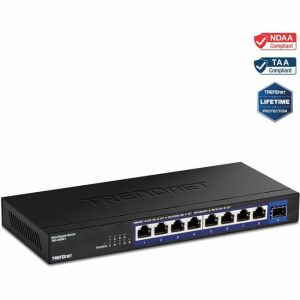 TRENDnet 9 Port 2.5G Switch 10G SFP+ Unmanaged Network
 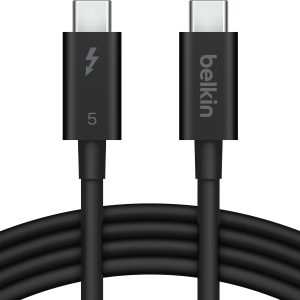 Belkin Thunderbolt 5 Cable 80Gbps 240W Power 8K Display
 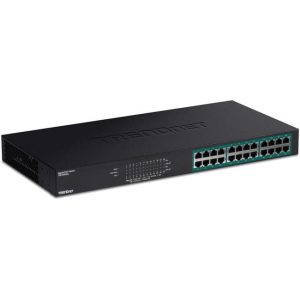 TRENDnet 24 Port Gigabit PoE Switch Network Installers
 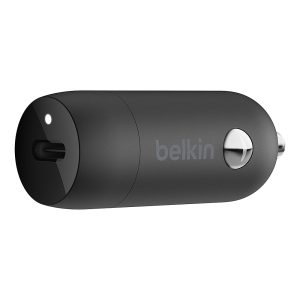 Boostcharg 20W USB C PD Car Charger Fast Charge Compact
 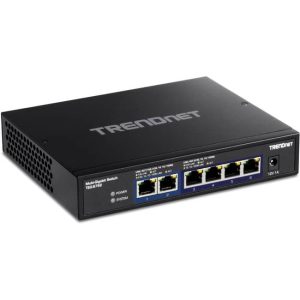 TRENDnet 6 Port 10G Switch 2x10G Ports 60Gbps Fanless
 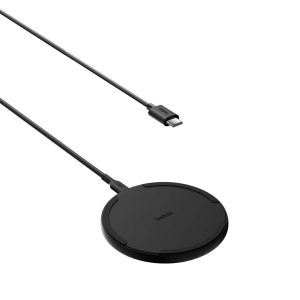 Wireless Charging Pad Qi Fast Charging 15W Desktop Accessory
 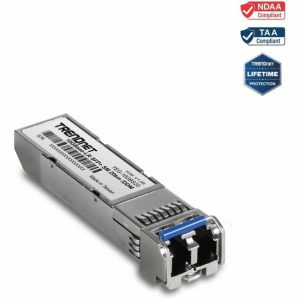 TRENDnet 10G SFP+ Single Mode Transceiver 20km LC Fiber
 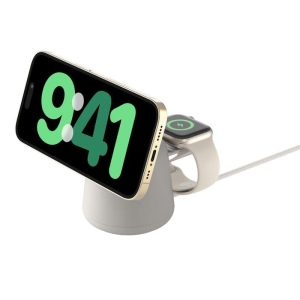 MagSafe Charging Dock 15W Fast Wireless iPhone Apple Watch
  TOPVISION Portable Mini Projector Electric Focus FHD 1080P
  Yaber T2 Plus GTV Projector Google TV JBL Portable
  Belkin USB 2.0 Cable Black Male to Male Connector
  YEYIAN Gaming PC Intel Core i9 NVIDIA RTX 5070 32GB DDR5
  Anker Magnetic Power Bank Qi2 Wireless Charging 5000mAh