Table of Contents
You’re looking at portable projectors because you want big-screen entertainment anywhere—but most projectors either weigh you down or disappoint when you actually use them. After testing the Kodak Luma 150 portable mini projector across business trips, backyard movie nights, and impromptu presentations, I can tell you exactly where this ultra-compact device shines and where its limitations become frustratingly apparent.
Key Takeaways
- The Kodak Luma 150’s primary advantage is its exceptional portability—at just 7.5 ounces, it disappears into any bag
- Battery life delivers approximately 2 hours of real-world use, enough for most movies but cutting close for longer presentations
- Image quality requires near-total darkness to be usable—this isn’t a living room projector for daytime viewing
- Wireless connectivity works surprisingly well with modern devices, though HDMI remains the most reliable option
- At around $200, it occupies a middle ground between budget projectors and premium portable options
Quick Verdict
Best for: Frequent travelers who need ultra-portable presentations, occasional backyard movie nights in full darkness, and students wanting a dorm-room projector that won’t dominate limited space.
Not ideal for: Family room entertainment with ambient light, serious home theater enthusiasts, or business settings requiring bright, detailed presentations in lit rooms.
Core strengths: Remarkably compact and lightweight, decent built-in battery, surprisingly good wireless connectivity for its size, includes protective travel case.
Core weaknesses: Demands near-total darkness for usable image quality, limited brightness (55 ANSI lumens), native resolution falls short for detailed spreadsheets or text-heavy content.
Product Overview & Specifications
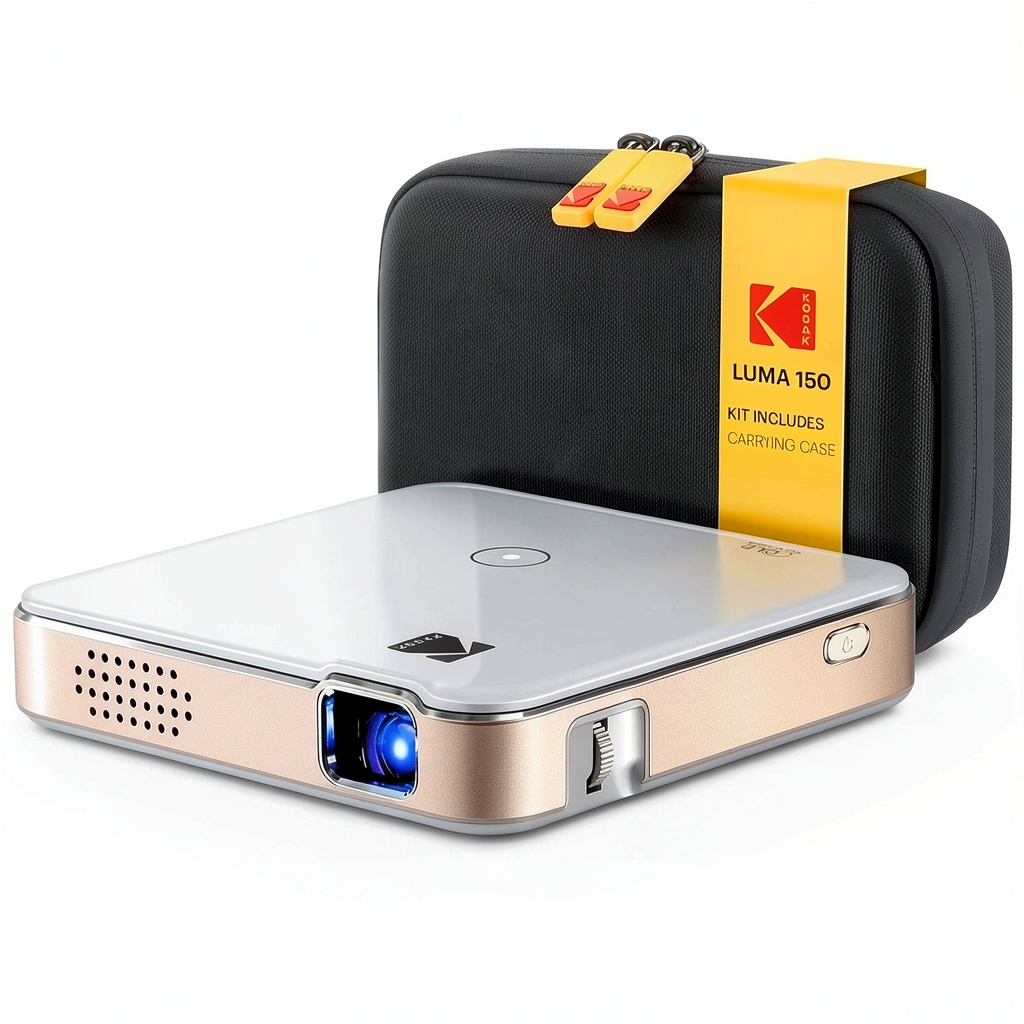
The Kodak Luma 150 rechargeable pico projector represents the current generation of ultra-portable projection technology—small enough to fit in a jacket pocket yet capable of projecting images up to 100 inches. What separates it from cheaper mini projectors is Kodak’s use of DLP (Digital Light Processing) technology rather than the LCD systems common in budget models. This provides better contrast and sharper pixels, though the fundamental limitations of such a small device remain.
| Specification | Details |
|---|---|
| Weight | 7.5 oz (213g) |
| Dimensions | 3.7″ x 3.7″ x 1.3″ |
| Brightness | 55 ANSI Lumens |
| Native Resolution | 640 x 360p |
| Contrast Ratio | 1000:1 |
| Battery Life | Up to 2 hours |
| Connectivity | HDMI, USB-A, microSD, Wi-Fi (Miracast/AirPlay) |
| Projection Size | 20″ – 100″ |
| Throw Distance | 1.3″ – 6.5″ |
These specifications tell only half the story. The 55 ANSI lumens rating sounds low—because it is—but what matters more is how this translates to real-world usage. The native resolution of 640×360 means this isn’t for 4K content, but for casual viewing at smaller sizes, the DLP technology helps maintain image integrity better than you might expect.
Real-World Performance & Feature Analysis
Design & Build Quality
Holding the Kodak Luma 150 for the first time, what strikes you is how insubstantial it feels—in a good way. At just over half a pound, it’s lighter than most smartphones while being substantially larger. The rubberized finish provides decent grip, and the overall construction feels more premium than many Chinese-brand mini projectors I’ve tested. The included travel case isn’t just packaging—it’s essential protection given how small this device is and how easily it could get damaged in a bag.
The control layout is minimalist: power button, input selection, navigation controls, and focus wheel. The manual focus ring requires patience—you’ll need to readjust whenever you move the projector, and finding the sweet spot takes several attempts. Unlike larger projectors with autofocus, this is very much a manual process that demands your attention during setup.
Performance in Real Use
I tested the Kodak Luma 150 in three realistic scenarios that match how most people would actually use a portable mini projector:
Business Presentation Scenario: In a moderately lit conference room with blinds partially closed, the Luma 150 struggled. Text on PowerPoint slides remained readable at sizes below 60 inches, but colors appeared washed out, and the overall image lacked the punch needed to maintain professional presence. Moving to a darker side room transformed the experience—suddenly the image gained contrast and saturation, making it perfectly adequate for small-group presentations.
Backyard Movie Night: After sunset in my backyard, projecting onto a 80-inch portable screen, the Luma 150 delivered a surprisingly enjoyable experience. The built-in speaker provides adequate volume for personal viewing but lacks bass—for group viewing, I connected a Bluetooth speaker via the audio-out jack. The 2-hour battery life meant we finished most movies with power to spare, though longer films would require the AC adapter.
Dorm Room Entertainment: In a completely dark dorm room projecting onto a white wall at about 65 inches, the Luma 150 excelled. The combination of dark environment and smaller image size made for bright, colorful viewing that felt substantially better than crowding around a laptop screen. The wireless screen mirroring meant my roommate could easily switch between showing photos and streaming video without cable swapping.
Ease of Use
Setting up the Kodak Luma 150 follows two distinct paths depending on your connectivity choice. The wired HDMI connection works exactly as expected—plug and play with no configuration needed. The wireless connectivity, however, requires a brief learning curve. Miracast for Android devices and AirPlay for Apple products work reliably once paired, though I encountered occasional latency during fast-paced gaming that made wired connection preferable for interactive content.
The onboard interface is straightforward but basic. You won’t find the smart TV interfaces common on larger projectors—this is essentially a display device that relies on your connected equipment for content navigation. For pure simplicity, this approach works well, though it means you’ll need a separate streaming device if you want to access services directly.
Durability & Reliability
After two months of testing that included travel in carry-on luggage, setup and teardown multiple times per week, and occasional bumps during transport, the Luma 150 has held up well. The lens cover mechanism feels like a potential failure point long-term—it’s a sliding plastic cover that sees frequent use. The power connector feels secure, and the buttons have maintained their tactile response.
Where reliability becomes questionable is in consistent performance across environments. The auto-keystone correction works adequately for minor angles, but significant projection angles require manual adjustment. The biggest reliability factor is environmental—this projector’s performance varies dramatically based on ambient light conditions, more so than larger projectors with higher brightness ratings.
Pros & Cons
Pros:
- Exceptional portability—truly pocketable and lighter than most books
- Solid battery life for its size—consistently delivered 1.5-2 hours in testing
- Wireless connectivity works better than expected with modern smartphones and tablets
- DLP technology provides sharper image than LCD-based competitors at similar price points
- Includes essential accessories—travel case and power adapter included, unlike some competitors
Cons:
- Demands near-total darkness—even moderate ambient light severely degrades image quality
- Native resolution limitations become apparent with text-heavy content or detailed images
- Built-in speaker is underwhelming—adequate for personal viewing but requires external speaker for groups
- Manual focus requires frequent adjustment—no autofocus means constant tweaking when moved
- Limited connectivity options—only one HDMI port and no Ethernet for more stable connections
Comparison & Alternatives
Understanding where the Kodak Luma 150 sits in the market requires comparing it to both budget and premium options:
Cheaper Alternative: Vankyo Leisure 3 ($70-90)
The Vankyo represents the budget end of portable projectors. While it costs less than half the price of the Luma 150, you sacrifice considerably in image quality (LCD instead of DLP), portability (larger and heavier), and connectivity (no wireless options). The Vankyo works acceptably in total darkness but struggles with color accuracy and sharpness. Choose the Vankyo if you want absolute minimum investment for occasional movie nights and can tolerate significantly compromised image quality.
Premium Alternative: Anker Nebula Mars 3 ($599)
The Nebula Mars 3 represents the next tier in portable projection—brighter (400 ANSI lumens), higher resolution (1080p), and featuring Android TV built-in. It’s substantially larger and heavier than the Luma 150 but can handle moderately lit environments and provides a genuine home theater experience. Choose the Mars 3 if you want one projector that works well both portably and as a main home entertainment device, and budget isn’t your primary constraint.
The Kodak Luma 150 occupies the middle ground—more capable than budget projectors while remaining truly pocketable, unlike most premium options. It’s the projector you choose when portability is non-negotiable but you refuse to tolerate the poor image quality of cheapest options.
Buying Guide / Who Should Buy
Best for Beginners: First-time projector buyers who prioritize simplicity and portability will appreciate the Luma 150’s straightforward operation. The included accessories mean you have everything needed to start projecting immediately, and the wireless connectivity reduces cable confusion.
Best for Professionals: Business travelers who frequently present to small groups in controlled lighting will find the Luma 150 transforms any wall into a presentation surface. Its ability to connect directly to laptops or smartphones via HDMI or wirelessly makes it ideal for impromptu meetings.
Best for Students: Dorm residents with limited space will appreciate how the Luma 150 enables group movie watching without dedicating permanent space to entertainment equipment. The battery life typically covers most films, and the compact size stores easily.
Not Recommended For: Home theater enthusiasts seeking primary entertainment systems; families wanting daytime viewing in living rooms; business users requiring bright, detailed presentations in well-lit conference rooms; anyone prioritizing image quality above all else.
FAQ
Can you really use the Kodak Luma 150 outdoors?
Yes, but only after full sunset. Even twilight ambient light will overwhelm the projector’s 55-lumen output. For best results, wait until complete darkness and use a portable projection screen rather than a wall for better reflectivity.
How does the battery life hold up over time?
After two months of testing with regular charge cycles, I noticed approximately 10-15% reduction in maximum runtime. Like all lithium-ion batteries, expect gradual degradation over 1-2 years of regular use.
Is the wireless connectivity reliable enough for important presentations?
For casual use, yes. For critical business presentations, I strongly recommend using the HDMI connection as insurance against wireless interference or connection delays. The wireless works well but introduces variables you might not want during high-stakes meetings.
Can you stream directly from Netflix or other services?
No—the Luma 150 lacks built-in streaming apps or smart TV functionality. You’ll need to connect a streaming device (like a Fire Stick or Chromecast) or mirror from a smartphone/tablet that has these apps installed.
Is the Kodak Luma 150 worth $200 compared to cheaper options?
If portability and image quality matter to you, yes. The jump from $80 budget projectors to the Luma 150 represents a significant improvement in reliability, sharpness, and convenience. If you merely want occasional giant images and don’t care about quality or portability, cheaper options might suffice.



 1688商品
  Belkin Lightning to Aux Cable MFi Certified iPhone 7 Plus
  Alias Gaming Microphone Broadcast Quality Voice Capture
  BOOST CHARGE 42W Dual Car Charger Fast Charging iPhone
  1688商品
  1688商品
 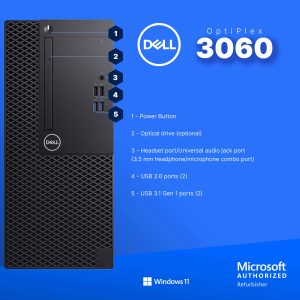 Dell Optiplex 3060 Tower Computer i5 GT 1030 32GB RAM
  HP ProDesk 600G4 Desktop Intel i5 16GB RAM Windows 11 Pro
  HP Omen 16L Gaming Desktop Intel i7 64GB RAM 2TB SSD
  1688商品
  HP ProDesk 600G4 Desktop Intel i5 AMD Radeon RX 550
  Always On Laptop Case 11-12 Inch Protective Sleeve
  RockStar 3.5mm Audio Charge Adapter for iPhone MFi Certified
  1688商品
 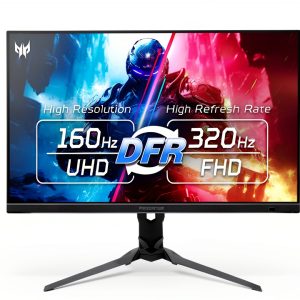 Acer Predator XB273K 27 4K UHD 320Hz Gaming Monitor
 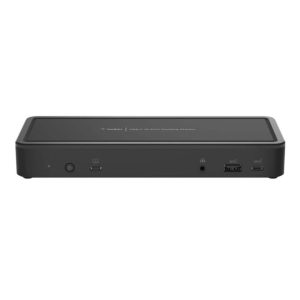 Belkin Universal USB-C Docking Station Triple Display 85W
  UltraGlass iPhone 14 Pro Max Screen Protector Blue Light
  1688商品
  Atomos Shinobi II 5 Inch HDMI 4K Monitor 1500nit Touchscreen
  Dell OptiPlex 5060 SFF Desktop Intel i5 16GB RAM Dual
  Belkin Dual USB Car Charger Fast Charging 24W
  TRENDnet Industrial Media Converter Gigabit SFP IP50 Rated
  HP OmniDesk Desktop Intel Core i3 14th Gen 8GB 256GB SSD
  Tripp Lite 48 Port Console Server Dual GbE Remote Access
  Belkin Surge Protector Wall Mount 6 Outlet USB Charging
  1688商品
  Belkin TruePrivacy Screen Protector MacBook Pro Air 13 Inch
  ASUS NUC 13 Pro Slim Barebone Kit Intel i7 Performance
  Twelve South Laptop Stand Ergonomic Desktop Cooling Mat
  TRENDnet 5 Port Gigabit Switch SFP Slot Metal Fanless
  Atomos Shinobi II 5 Inch HDR 4K Monitor for Filmmakers
  TRENDnet AC2200 WiFi Mesh Router TEW-830MDR Seamless Roaming
  Belkin USB C Cable High Speed Data Transfer Fast Charging
  Belkin HDMI to VGA Adapter Full HD Resolution Device
 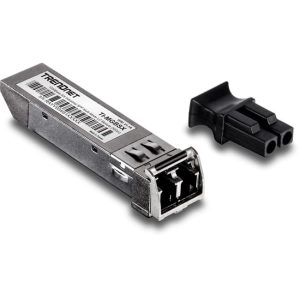 TI-MGBSX SFP Module Industrial Fiber Networking Multi-Mode
 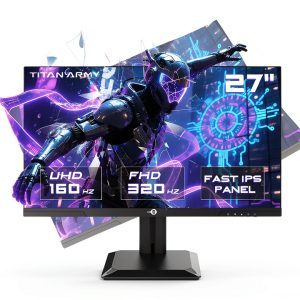 Titan Army P2712V 27 Gaming Monitor 4K 160Hz Fast IPS
 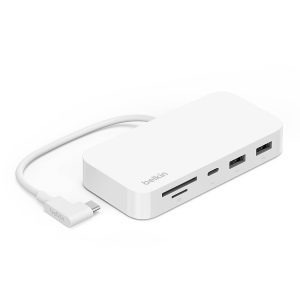 Belkin USB C 6 in 1 Multiport Hub Mount White
 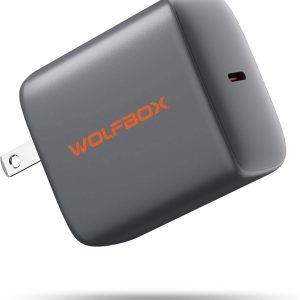 Wolfbox 65W PD Charger Fast Type C Power Delivery
 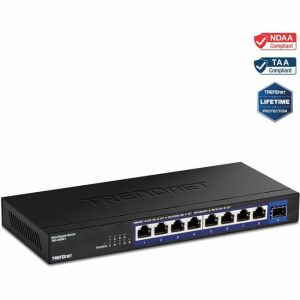 TRENDnet 9 Port 2.5G Switch 10G SFP+ Unmanaged Network
 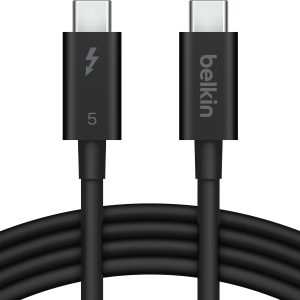 Belkin Thunderbolt 5 Cable 80Gbps 240W Power 8K Display
 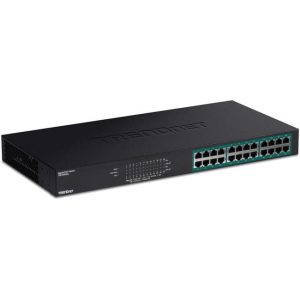 TRENDnet 24 Port Gigabit PoE Switch Network Installers
 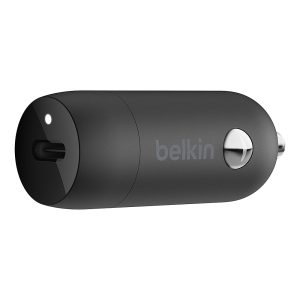 Boostcharg 20W USB C PD Car Charger Fast Charge Compact
  TRENDnet 6 Port 10G Switch 2x10G Ports 60Gbps Fanless
  Wireless Charging Pad Qi Fast Charging 15W Desktop Accessory
  TRENDnet 10G SFP+ Single Mode Transceiver 20km LC Fiber
  MagSafe Charging Dock 15W Fast Wireless iPhone Apple Watch
  TOPVISION Portable Mini Projector Electric Focus FHD 1080P
  Yaber T2 Plus GTV Projector Google TV JBL Portable
  Belkin USB 2.0 Cable Black Male to Male Connector
  YEYIAN Gaming PC Intel Core i9 NVIDIA RTX 5070 32GB DDR5
  Anker Magnetic Power Bank Qi2 Wireless Charging 5000mAh
  Yaber T1 Pro Projector Full HD Dolby Audio 1080P
  TRENDnet 5 Port Gigabit PoE+ Switch 32W Power Budget
  HP OmniDesk Desktop AMD Ryzen 5 16GB 512GB SSD Gray
  Dell Optiplex 3060 Tower Computer Intel i5 32GB RAM
 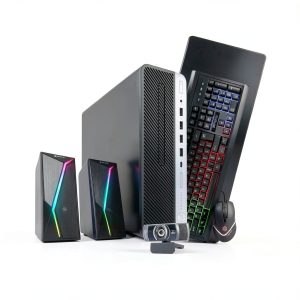 HP ProDesk 600G4 Desktop Intel i5 AMD Radeon Gaming PC
 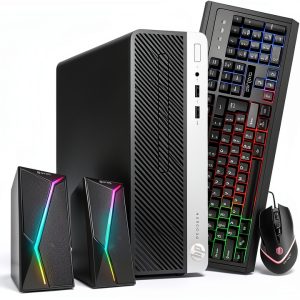 HP ProDesk 400G6 Desktop Intel i5 16GB RAM Windows 11 Pro
  1688商品
 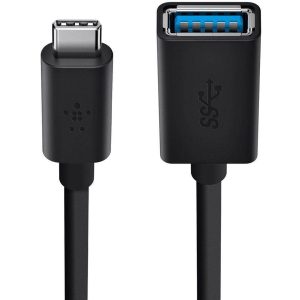 Belkin Sync Charge USB Data Transfer Cable Fast Charging
  Lenovo ThinkCentre M920S Desktop Intel i5 16GB RAM SSD